
Features
Everything your janitorial company runs on.
Inspections and payroll for every team. Add work orders with Essential, then bring checklists, customers, purchasing, and reporting together with Pro.
Compare every plan →Inspections
All plansSet the standard. Show the work.
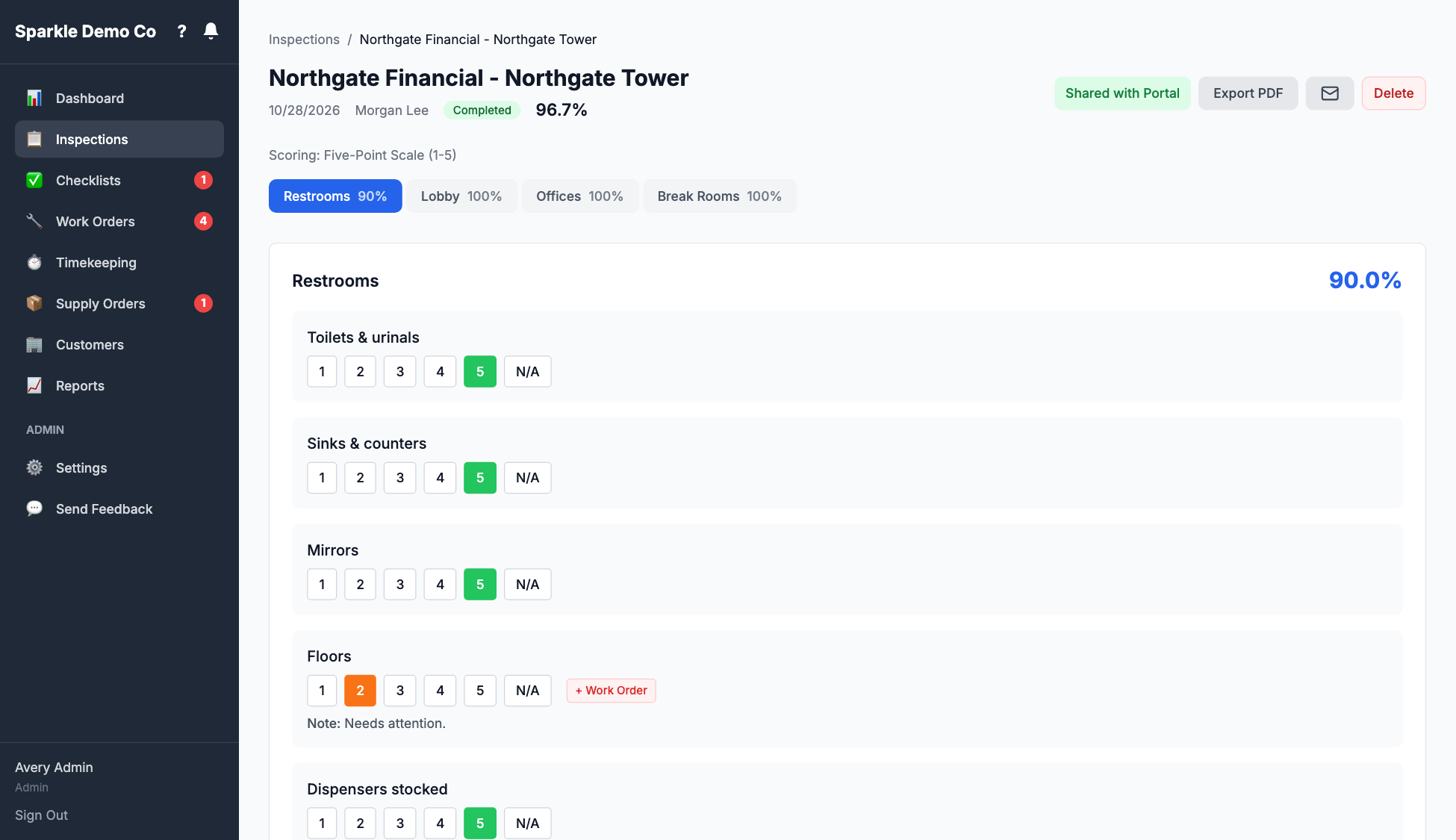
Give supervisors a consistent way to inspect every building. Score each area, document what needs attention, and share a clear record of the work with your team.
- Configurable scoring and reusable inspection templates
- Area-by-area evaluations with photo evidence
- Required notes for scores that need an explanation
- Recurring inspections (set up with GleamOps on Lite and Essential) and a history of completed visits
- Inspection PDFs with comments and photos
- Email completed inspection reports
Timekeeping & Payroll
All plansFrom the first punch to a reviewed pay period.
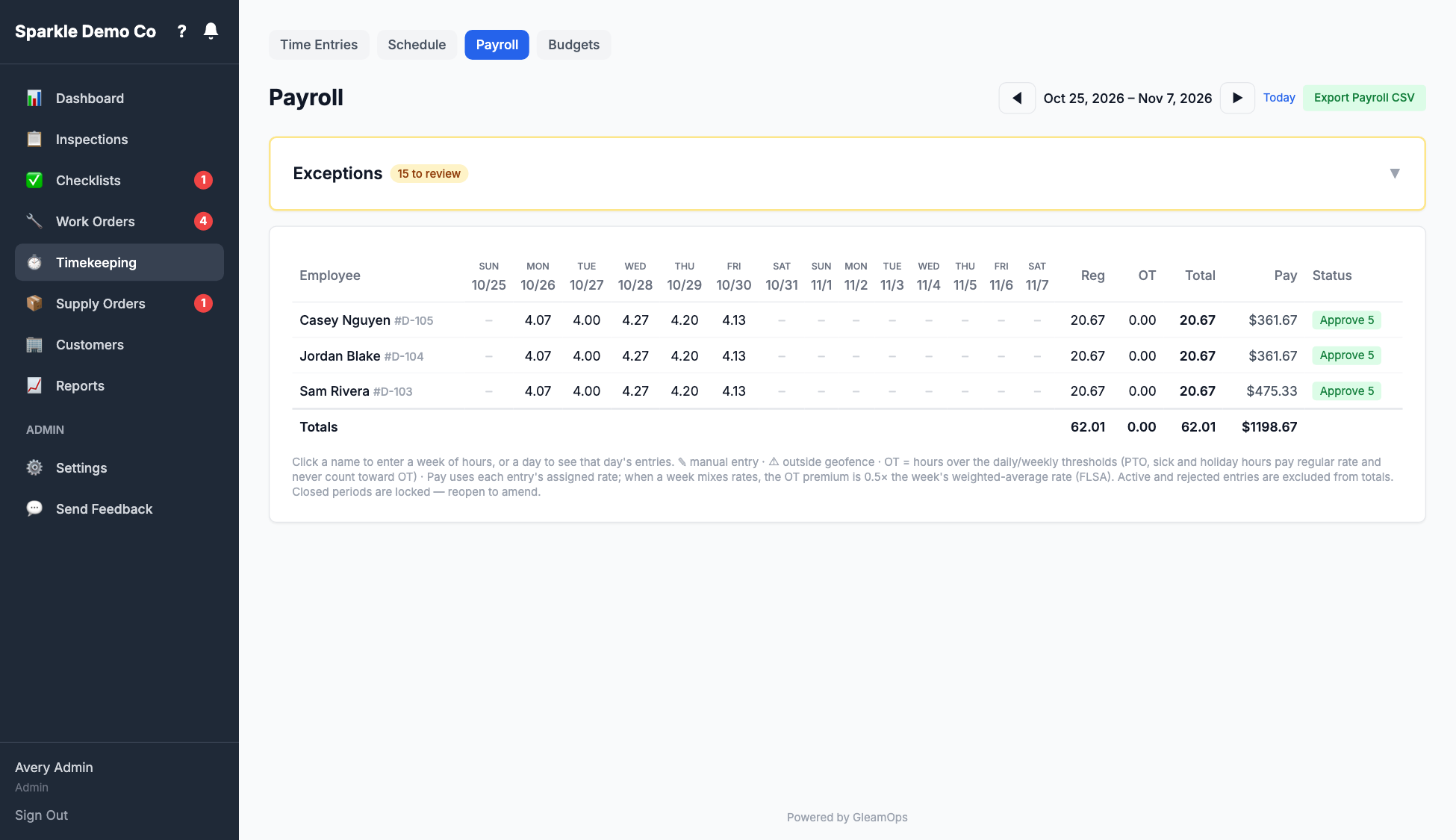
Track time by employee and location, review exceptions, and close payroll with a record of corrections. GPS captures punch locations; geofences flag outside-site punches for review by default, and admins can choose to block clock-in outside the fence.
- Clock in and out on the web, including mobile browsers
- GPS punch distances and site geofences (set up with GleamOps on Lite and Essential)
- Employee-by-day payroll grid with approvals
- Multiple pay rates, overtime, breaks, and paid leave entries
- Correction reason codes, exception review, and period locking
- QuickBooks Desktop file (set up with GleamOps on Lite and Essential) and mapped CSV payroll exports
Work Orders
Essential + ProEvery request has an owner and a next step.
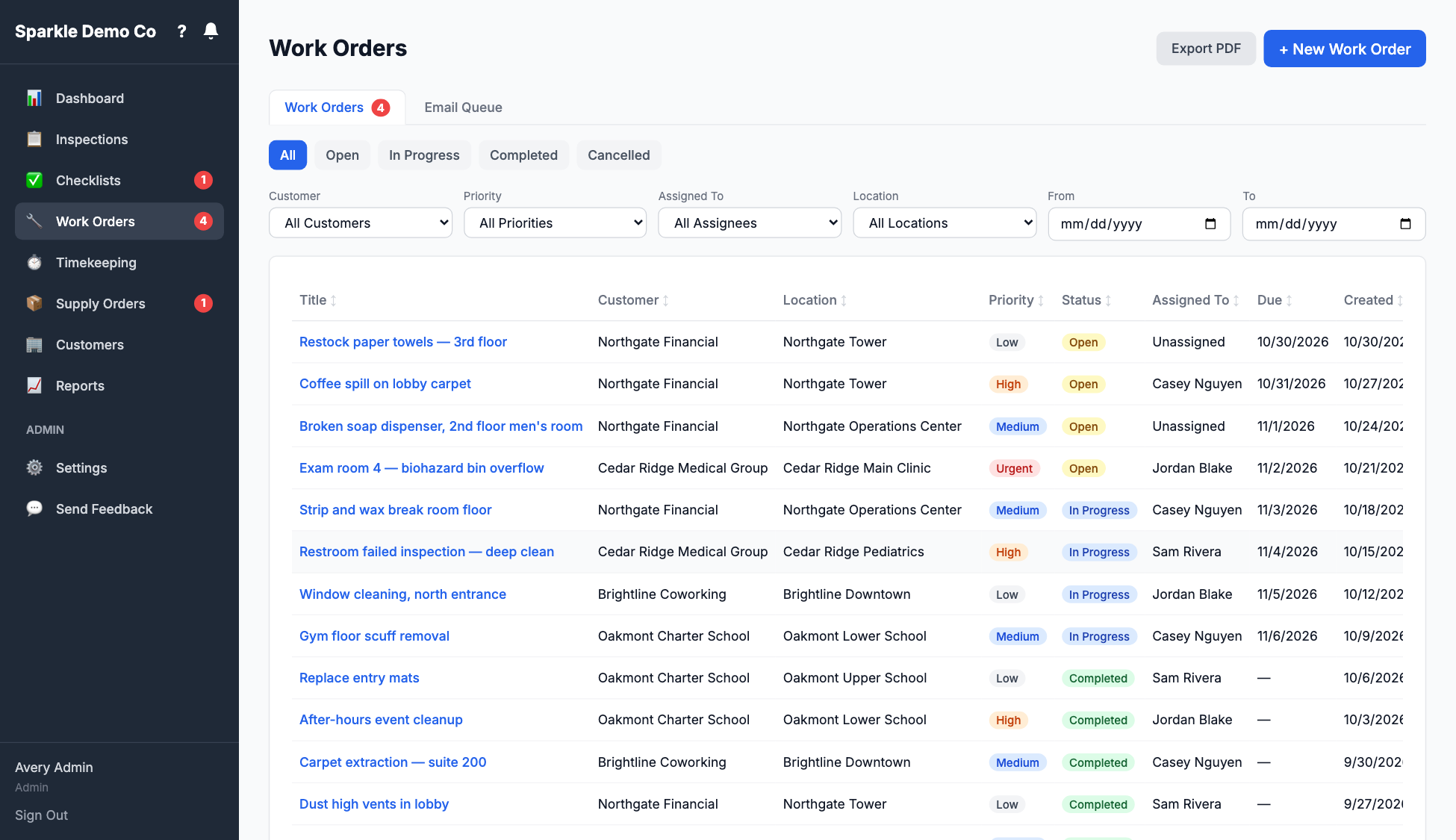
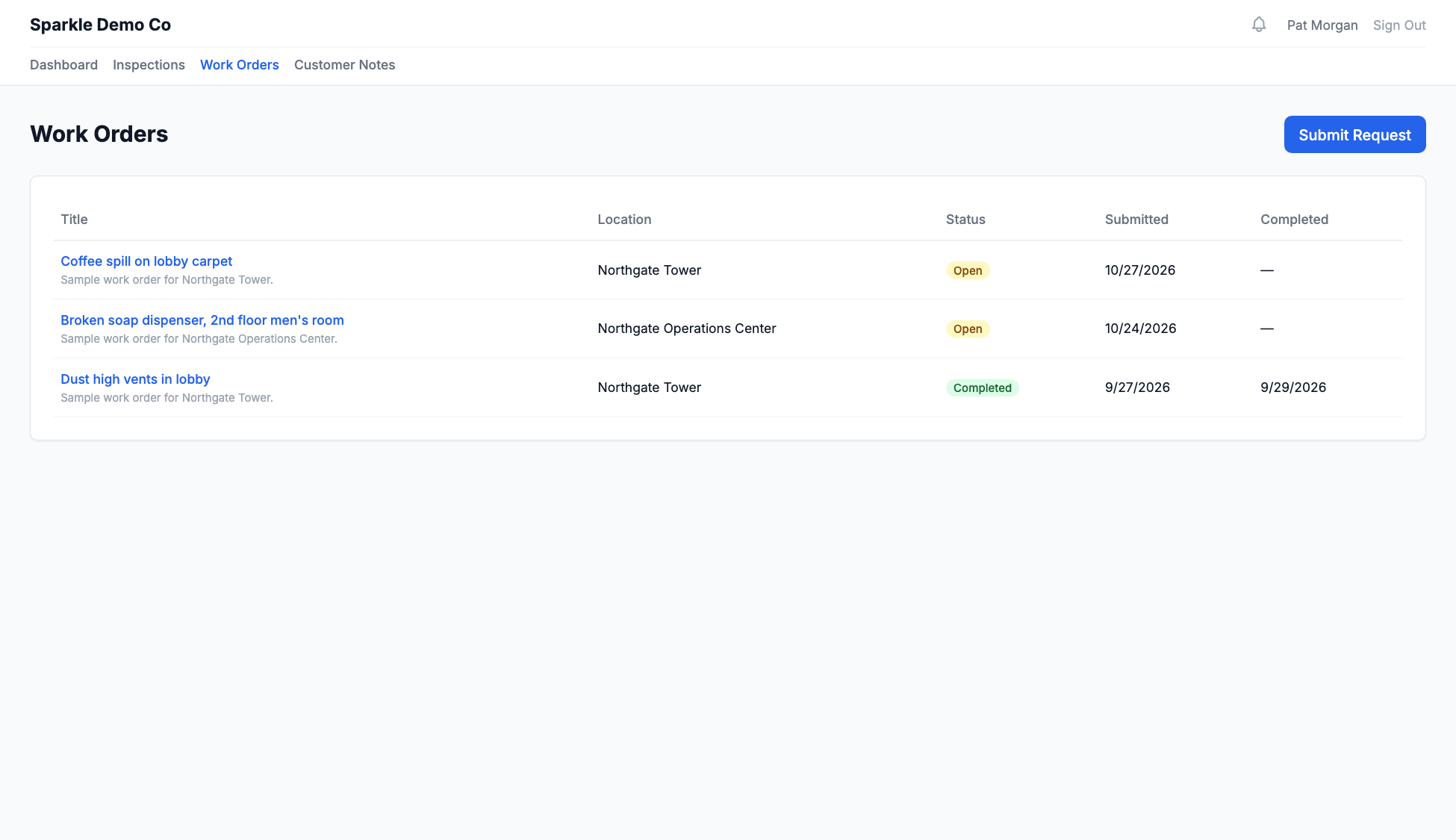
Keep requests, assignments, photos, and progress together. Turn incoming emails into work orders and give your team a shared view of what is due, underway, or complete.
- Location-based assignments and status tracking
- Comments, photo attachments, and resolution notes
- Email intake with attachments and reply threading
- Work order due dates and due-date notifications
- Export a filtered work order list to PDF for customer reviews
- Customer requests and satisfaction ratings with the Pro portal
Scheduled Checklists
ProMake recurring cleaning visible, down to the task.
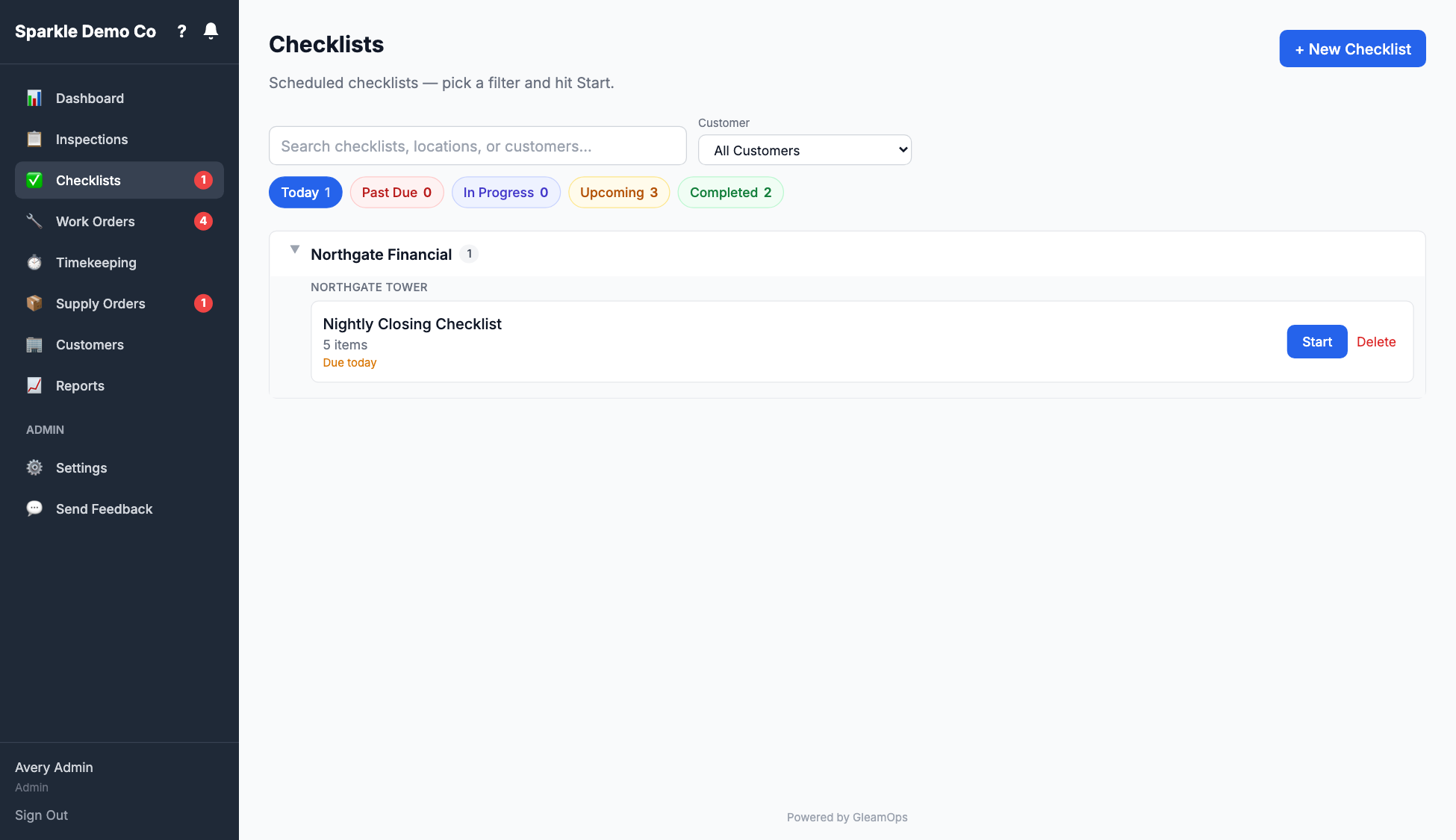
Build reusable checklist portfolios, customize them for individual locations, and schedule the work. Teams can see what is due today, in progress, or past due without searching through every building.
- Shared templates and custom location checklists
- Weekly, monthly, and yearly recurrence schedules
- Due-date, past-due, and in-progress views
- Task notes and photo evidence from the field
- Required explanations for skipped checklist items
- Checklist aging and skipped-item reports
Customer Portal
ProGive customers a clear view of their service.
Bring customer communication into a dedicated portal. Contacts can follow requests, review the inspections you share, and give feedback without chasing your staff for an update.
- Company branding and multiple customer contact accounts
- Customer-submitted work orders with photos
- Request status, comments, and satisfaction ratings
- Inspection visibility controls, including shared-only access
- Shared inspection results and completed work history
- A separate customer experience from the staff dashboard
Supplies & Purchasing
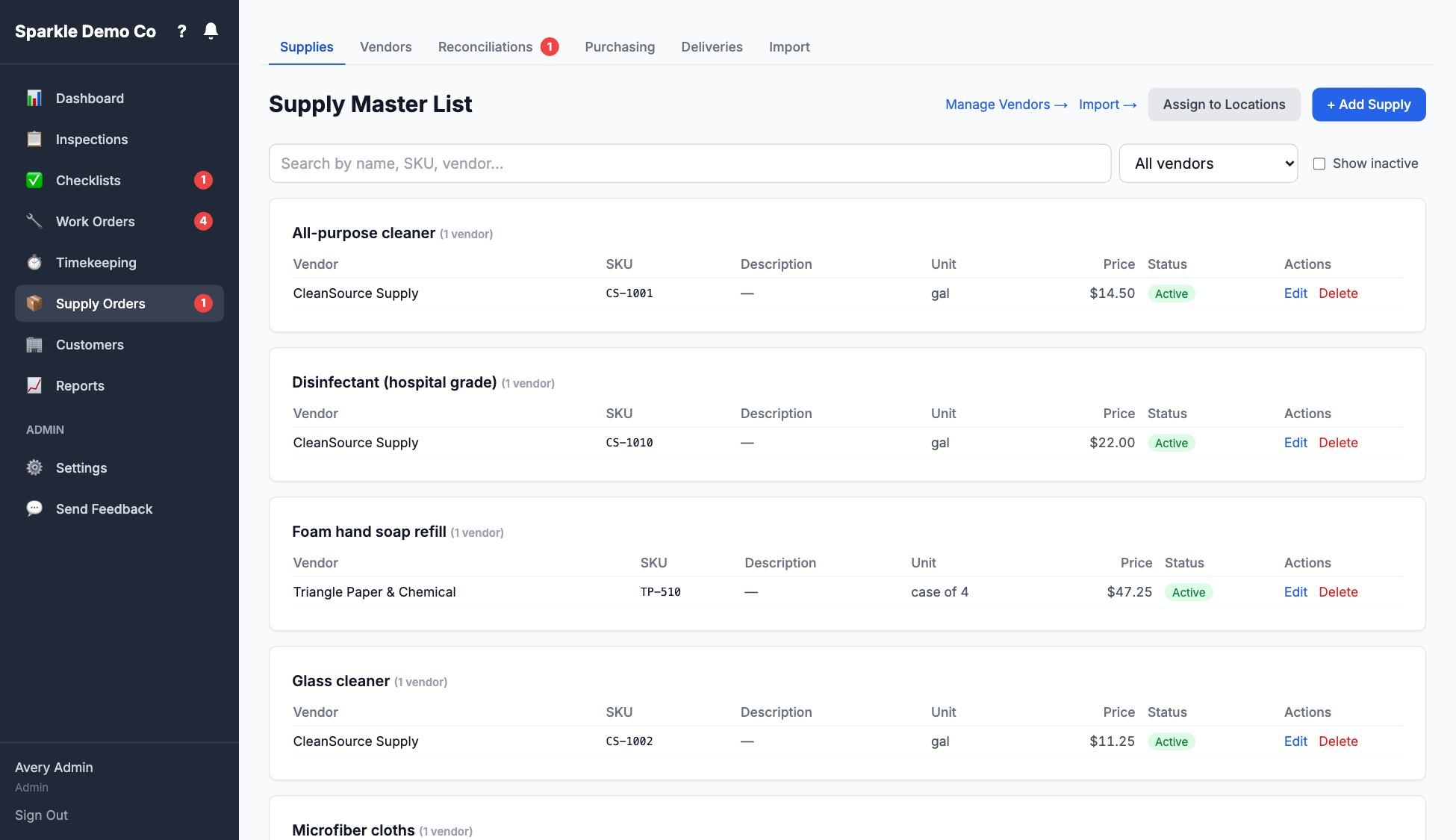
ProFollow supplies from the request to the receiving dock.
Keep location needs, vendor orders, and deliveries connected. Set par levels, review requests, and reconcile what arrived against what you ordered.
- Supply catalog with descriptions, vendors, and unit prices
- Location par levels with mobile-friendly editing
- Supply requests, approvals, and reconciliation
- Vendor purchase orders with line prices and totals
- Print or email supply orders and record received quantities
- Supply spend reporting by vendor, location, and item
Contracts & Locations
ProKeep account details and renewal dates in view.
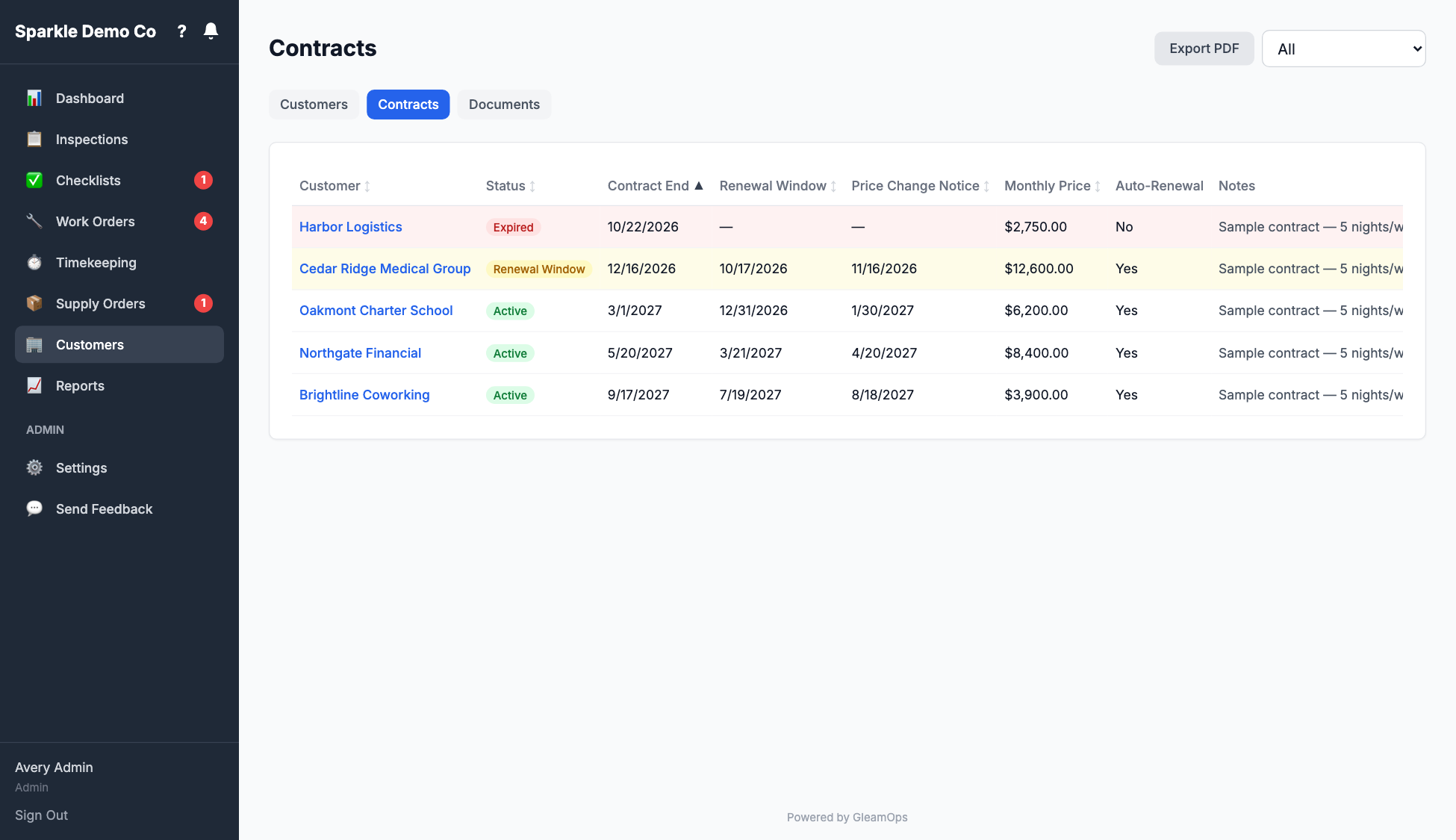
Manage customers and their locations alongside the contracts, documents, and budgets that support them. Keep renewal and price-change notices with the people responsible for the account.
- Customer and location records with assigned managers
- Contract dates and price-change history
- Annual auto-renewal when enabled for the customer
- Renewal and price-change notices for admin and finance teams
- Document storage and location-level weekly labor hour budgets
- Archive inactive locations while retaining their history
Operational Reporting
ProSee where service needs attention and labor adds up.
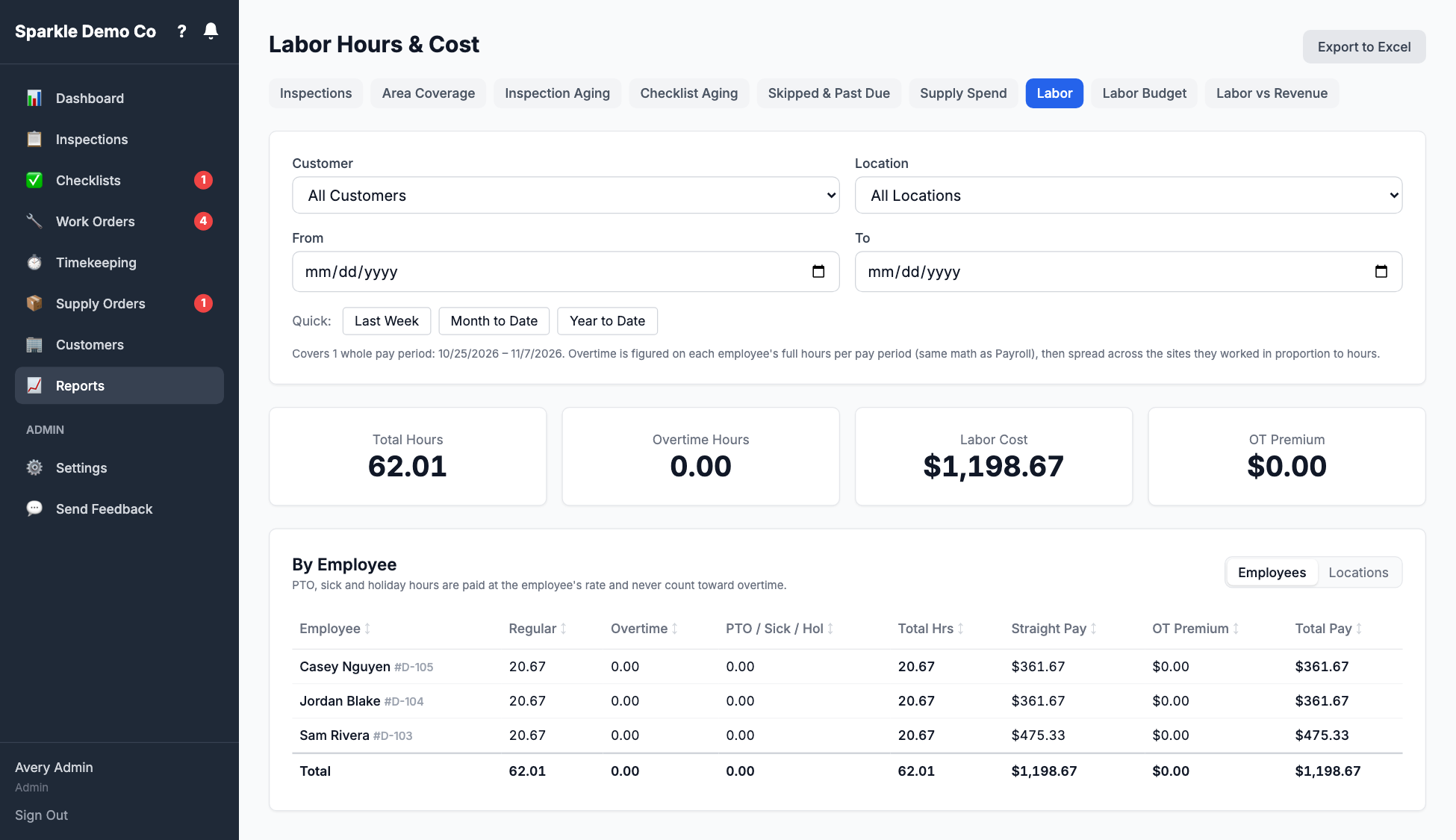
Move from individual records to a view across your operation. Review inspection coverage, overdue checklist work, supply spend, and labor hours and cost by employee or location.
- Inspection coverage and location inspection aging
- Checklist aging, past-due work, and skipped-item reports
- Labor hours, overtime, cost, and overtime premium
- Employee and location views across whole pay periods
- Supply spend breakdowns by vendor, location, and item
- Excel exports for labor and supply spend analysis
See how GleamOps fits your operation.
Talk with us about your team and the right plan for your company.